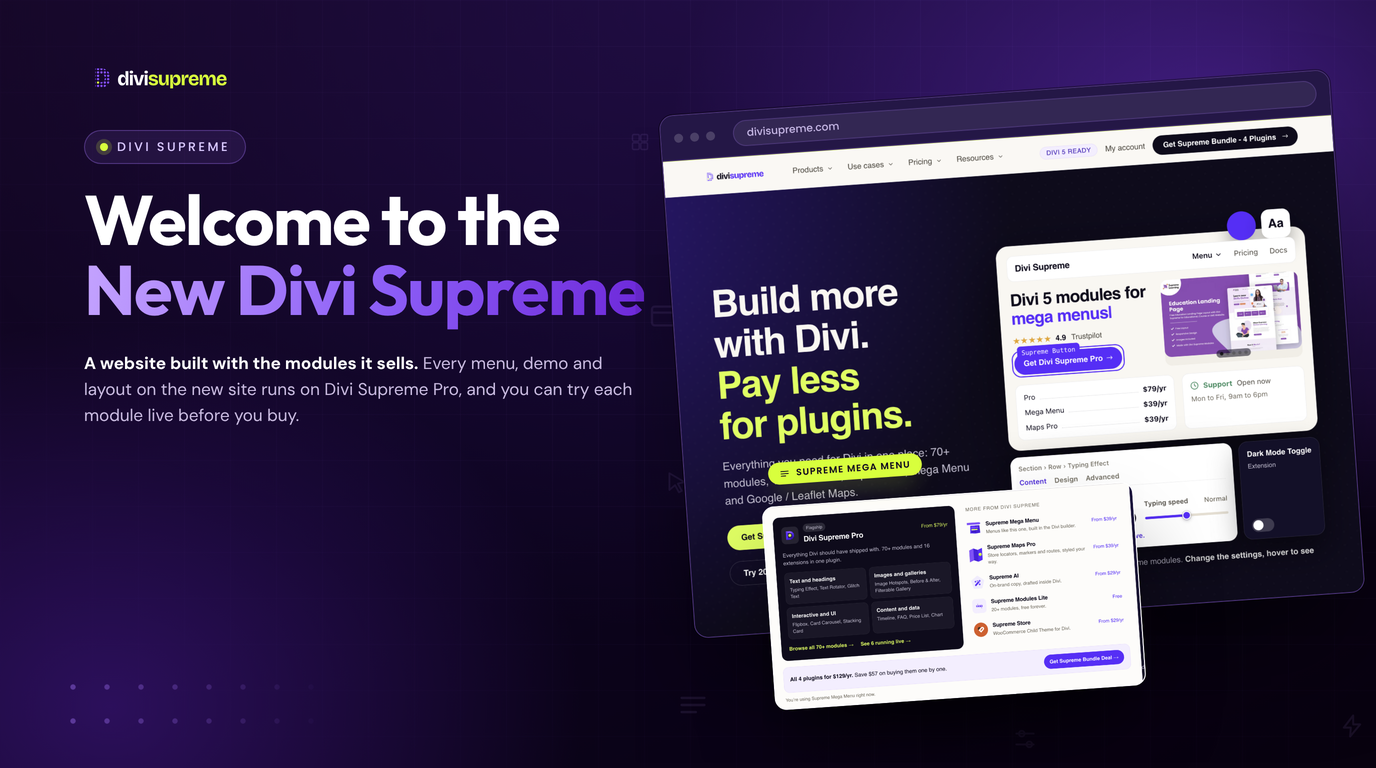
Hello Divi enthusiasts, Ken from Divi Supreme!
If you visited us before last month, you saw a homepage that went live in the summer of 2021. Back then it proudly promised “49+ Divi Modules”. Divi 5 did not exist yet, Supreme AI did not exist yet, and most of what you buy from us today had not been written.
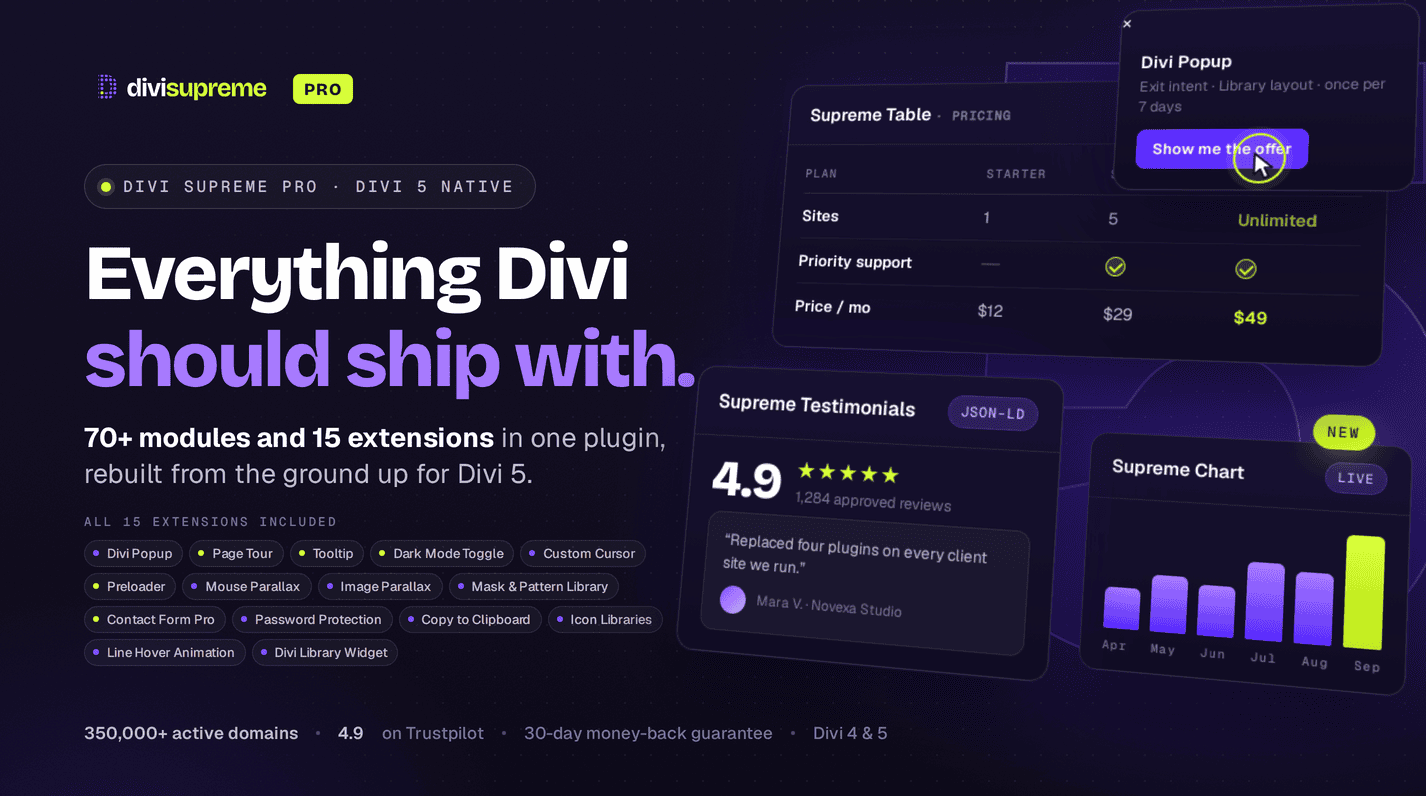
Five years later, Divi Supreme is a whole family of products. Divi Supreme Pro now runs natively on Divi 5, alongside Supreme Mega Menu, Supreme Maps Pro, Supreme AI, the free Supreme Modules Lite and the Supreme Store child theme. Together they run on more than 350,000 Divi sites. The products grew up. The website did not. So we rebuilt it from scratch, with a new logo, new demos, a new customer account and a new way to find the right tool. Every page is now built with Divi and Divi Supreme, which means the site itself is the demo.

Why We Rebuilt It Now
When Elegant Themes rebuilt Divi from the ground up, we rebuilt our plugins with it. Divi Supreme Pro 5.0 shipped natively for Divi 5 in May 2026, and since then we have released a new module or extension almost every week. You can follow that pace in the Divi Supreme Pro changelog.
The old site could not keep up. It described modules in paragraphs and screenshots, it listed products in a way that made sense in 2021, and new features like the Supreme Loop Filter had nowhere obvious to live. A plugin company that sells design tools should not need you to imagine what they look like.
Every Module, Running Live
This is the change I am proudest of. The homepage has a live playground where Supreme Loop Filter, Supreme Table and Supreme Testimonials are running for real. Filter the products, sort the table, read the reviews. Nothing is a video or a mockup.
The extensions get the same treatment. All 16 sit in one live dashboard on the homepage, so you can flip Popup, Tooltip, Dark Mode Toggle or Custom Cursor on and see what each one does before you install anything.

Every one of the 70+ modules also has its own demo page, linked from the full module list, and every demo page now opens with a settings playground. A panel that looks and works like the Divi 5 settings panel sits next to the module. Switch the Testimonials layout from Grid to Carousel, move the search box on the Table, or change which headings the Table of Contents picks up, and the module changes as you click. Below the playground, the module runs in a finished layout, so you can judge it the way your client will see it.


Even the navigation pulls its weight. The menu at the top of every page is built with Supreme Mega Menu, and each panel is a normal Divi layout. Hover it and you are already using the product.

Find Tools by the Job, Not the Module Name
Most people do not arrive looking for “Image Hotspots” or “Step Flow”. They arrive with a job. So the new site is organised around the people we build for.
- Agencies get unlimited client sites on every plan, plus the tools for headers, menus, popups and landing pages their whole team already knows.
- Freelancers can start from a free layout, draft the copy with Supreme AI and finish with modules that already look designed.
- WooCommerce stores are pointed at Loop Filter, Star Rating, Testimonials and Table, the modules that help shoppers pick a product.
- Local businesses see Maps Pro, Business Hours, Price List and Popups together, since that is what a local business page actually needs.
Each use case links to the modules behind it and a free layout built for that kind of site.

A New Look, and a New Logo
The new logo is a capital D built from a grid of purple dots, with a single dot in lime green. Each dot is a module, and together they make something bigger, which is the whole idea behind Divi Supreme. Next to it, divisupreme is set as one word, with divi in near black and supreme in our purple.

The rest of the design follows the same idea. Less decoration, clearer pricing, and more room for the modules to speak for themselves. It should feel familiar if you build with Divi, because it is built with Divi.
Your Account, Rebuilt
The new customer account puts everything you bought in one place. You can download every plugin in its latest version for Divi 5 and Divi 4, activate a site or move a licence key, download receipts, renew or upgrade to the Supreme Bundle, and open a priority support ticket with your licence details already attached.
If you bought through the Divi Marketplace, your licences still live in your Elegant Themes account. The sign in page now says so, which should save a few confused support tickets.

Free Layouts and Real Customer Sites
All 44 free premium layouts have moved into the new design, from Dental and Restaurant to Plant Shop and Page Builder SaaS. Each one is a complete landing page built with Divi Supreme modules, ready to import and fill with your own content.
We also gave the customer showcase a proper home. These are live sites built by agencies and freelancers who use our tools every day, and they are the best argument we have.
What Has Not Changed
The plugins you use today work exactly as before. Your login, your licence keys and your plan are the same, and there is nothing you need to do. Old links to our pages redirect to their new homes, so bookmarks and links in older blog posts still land somewhere useful.
The team has not changed either. Divi Supreme has been building for Divi since 2019, and Sam and I still answer support tickets ourselves. The new site just makes it easier to see what we have been building all this time.

Take a Look Around
Start on the new homepage, play with the live modules, and open a demo or two. When you find the tools you need, every plan is on the pricing page, with the 14-day money-back guarantee as always.
A rebuild this big will have a few rough edges, and we would rather hear about them from you than find them six months later. Your feedback is making Divi Supreme Pro for Divi 5 stronger every day. If you spot a broken link or something that looks off, report it here!
Stay tuned for more updates, and please don’t hesitate to reach out if you have any questions…
Best Regards,
Ken and the Divi Supreme Team