
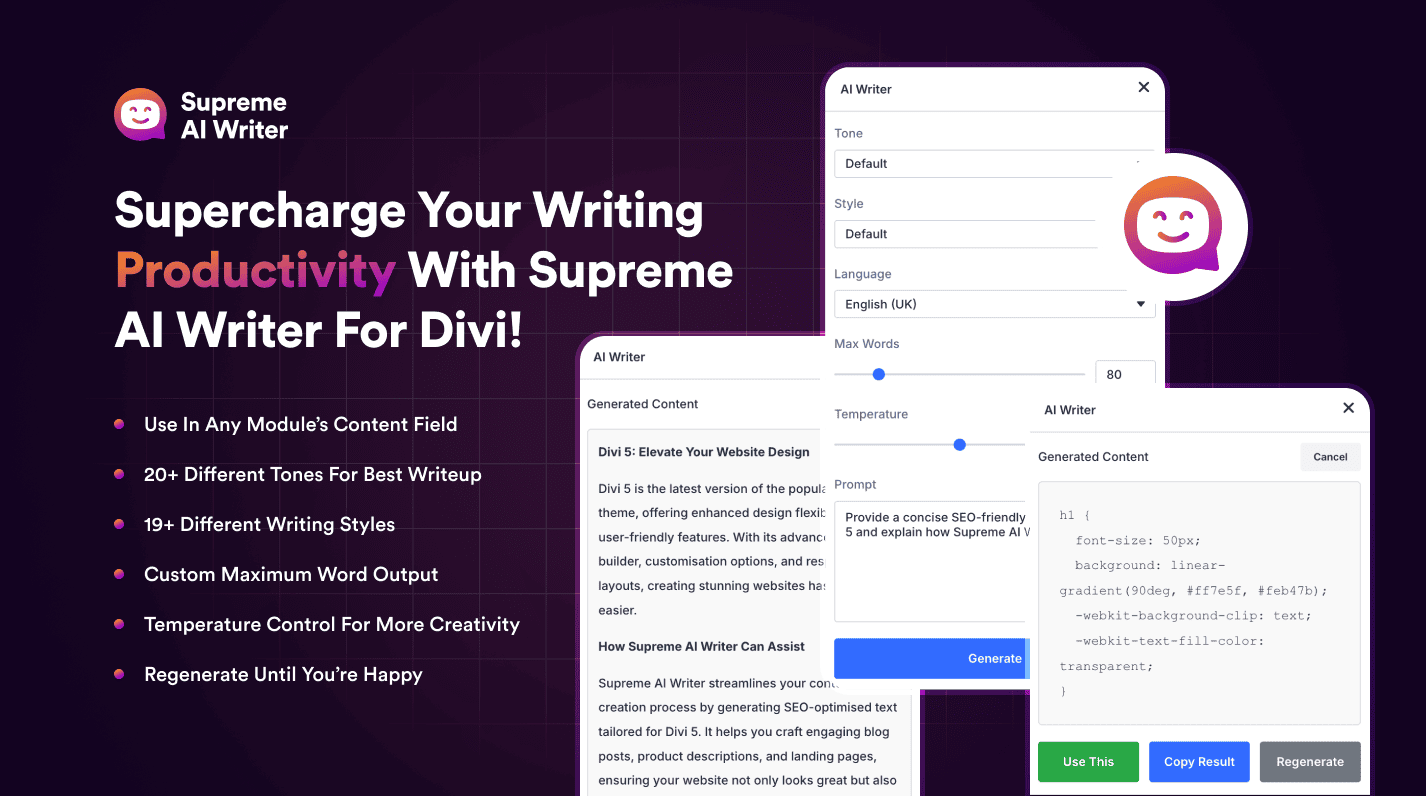

Supreme AI Writer 2.0.0 revolutionizes Divi workflows by delivering full compatibility with Divi 5, expanded AI model support including OpenAI, Gemini, and Claude, and seamless code generation directly in the Divi Builder. This BYOB (Bring Your Own Backend) plugin lets you use your own API keys for ultimate control, privacy, and cost management.
Unlock Divi 5 Compatibility for the Future of WordPress Design
Divi 5 brings groundbreaking performance improvements, modern architecture, and enhanced customization to WordPress themes. Supreme AI Writer 2.0.0 is fully compatible, ensuring smooth integration without glitches or compatibility issues. Whether you’re migrating existing sites or building new ones, this plugin adapts effortlessly to Divi 5’s updated Builder interface.
Key benefits include:
- Zero disruptions: Generate content and code in real-time within the new Divi 5 environment.
- Performance boost: Leverages Divi 5’s optimized rendering for quicker AI outputs.
- Future-proof: Stay ahead as Divi evolves, with ongoing updates planned.

Power Up with Leading AI Models: OpenAI, Gemini, and Claude
Choose from the top AI models to match your creative needs—OpenAI for versatile all-around performance, Gemini for multimodal mastery and massive context handling, and Claude for precise, ethical writing and coding excellence.
- OpenAI (GPT series): Ideal for broad creativity, logical reasoning, and handling massive documents up to 400,000 tokens—perfect for long-form blog posts or complex site copy.
- Gemini 2.5/3: Tops benchmarks in coding, math, and creative tasks with enormous context windows (up to 2 million tokens), supporting video/audio analysis alongside text for dynamic Divi content.
- Claude 4 (Opus/Sonnet): Excels in nuanced writing, debugging large codebases, and reliable analysis with 1M+ token contexts—trusted for professional, human-like prose without hallucinations.
Switch models on-the-fly for optimal results: Use Claude for polished drafts, Gemini for code-heavy tasks, and OpenAI for rapid ideation.

Beyond Content: Generate Custom Code Directly in Divi 5 Builder
Supreme AI Writer isn’t just for text—it’s a code powerhouse. Input prompts like “Create a responsive CSS grid for my Divi portfolio” and get production-ready HTML, CSS, JavaScript, or PHP snippets inserted straight into the Divi 5 Builder.
- SEO-friendly titles & meta: Auto-generate optimized H1s, meta descriptions, and schema markup.
- Divi-specific code: Tailored modules, animations, and layouts that comply with Divi 5 standards.
- Instant previews: See code live in the Builder—no copy-pasting or external editors needed.
This feature saves hours, especially for developers tweaking themes or adding custom functionality.

Why Supreme AI Writer 2 is a Must-Have for Divi 5 Users (BYOB Advantage)
| Feature | Benefit | BYOB Setup |
|---|---|---|
| Divi 5 Compatibility | Seamless Builder integration | All keys |
| Multi-Model AI | Best-in-class outputs | OpenAI, Gemini, Claude |
| Content Generation | SEO titles, blogs, pages | Claude excels |
| Code Generation | Custom Divi code in seconds | Gemini/Claude lead |
| Privacy & Control | Your keys, your costs | No shared usage |
Elevate your Divi sites with AI that thinks like a pro designer and coder. Download Supreme AI Writer 2.0.0 today at divisupreme.com/supreme-ai-writer-for-divi—grab your keys and start building!
More exciting features coming soon—stay tuned for enhanced multimodal support and advanced SEO tools.
These are just a few of the many improvements, your feedback is making Supreme AI Writer for Divi 5 stronger every day. If you spot something, report it here!
Stay tuned for more updates, and please don’t hesitate to reach out if you have any questions or need assistance with anything related to Divi Supreme or Divi 5.
Best Regards,
Ken and the Divi Supreme Team
If you have an active or secured license for Divi Supreme plugins, rest assured it remains compatible with Divi 5. Due to ongoing development for Divi 5 compatibility, we will be adjusting our pricing.
How to access all Divi Supreme Modules
To access Divi Supreme Modules, you need to purchase the Pro version of our plugin. The Professional plan come with a 30% discount on renewals while we also offer you premium support and free updates during the licensing period.
Our goal is to assist you to create beautiful and effective business websites without impacting negatively on user experience.
So, give Divi Supreme Pro a try today, and don’t forget to share your experience with the Divi Supreme Plugins in the comments section below.
Or try out the Divi Supreme Lite
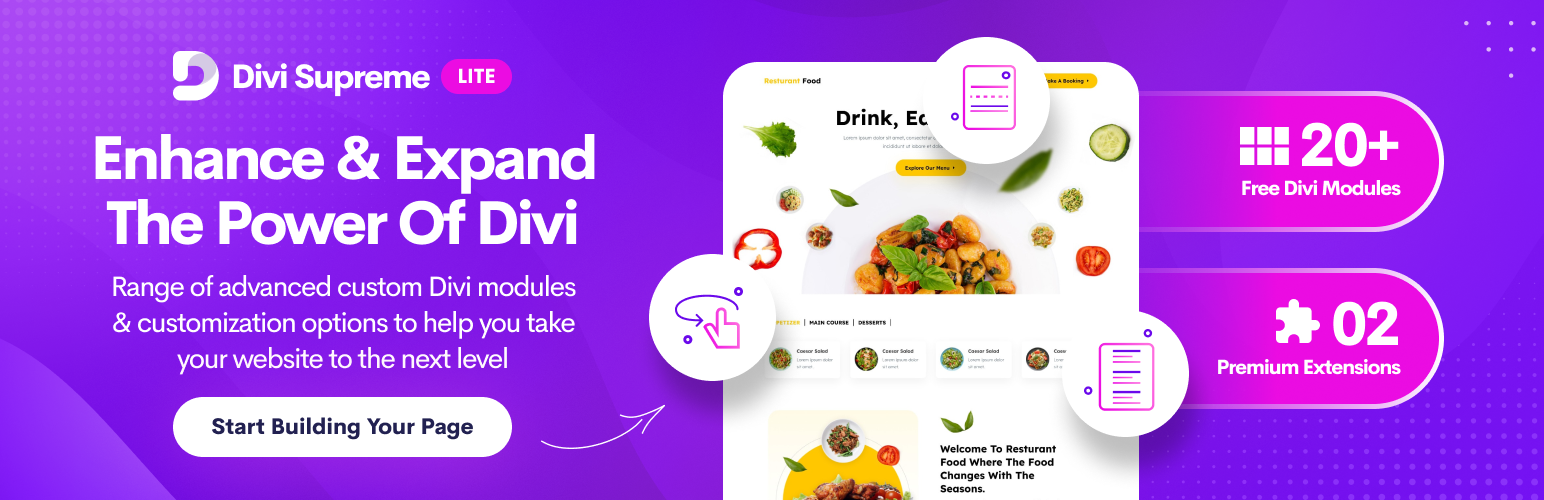
Divi Supreme Lite Offers 20+ Modules and 3 Beautiful Extensions and using them you can easily extend your site’s functionality.
0 Comments